Accepting a CLOUD TOGGLE Invitation and Logging into the Portal
Written By rob@cloudtoggle.com
Last updated 11 months ago
In order to log into CLOUD TOGGLE, an invitation must be sent from an admin account to the users’ email address.
Inside the invitation email, there is a link to click in order to accept the invitation:

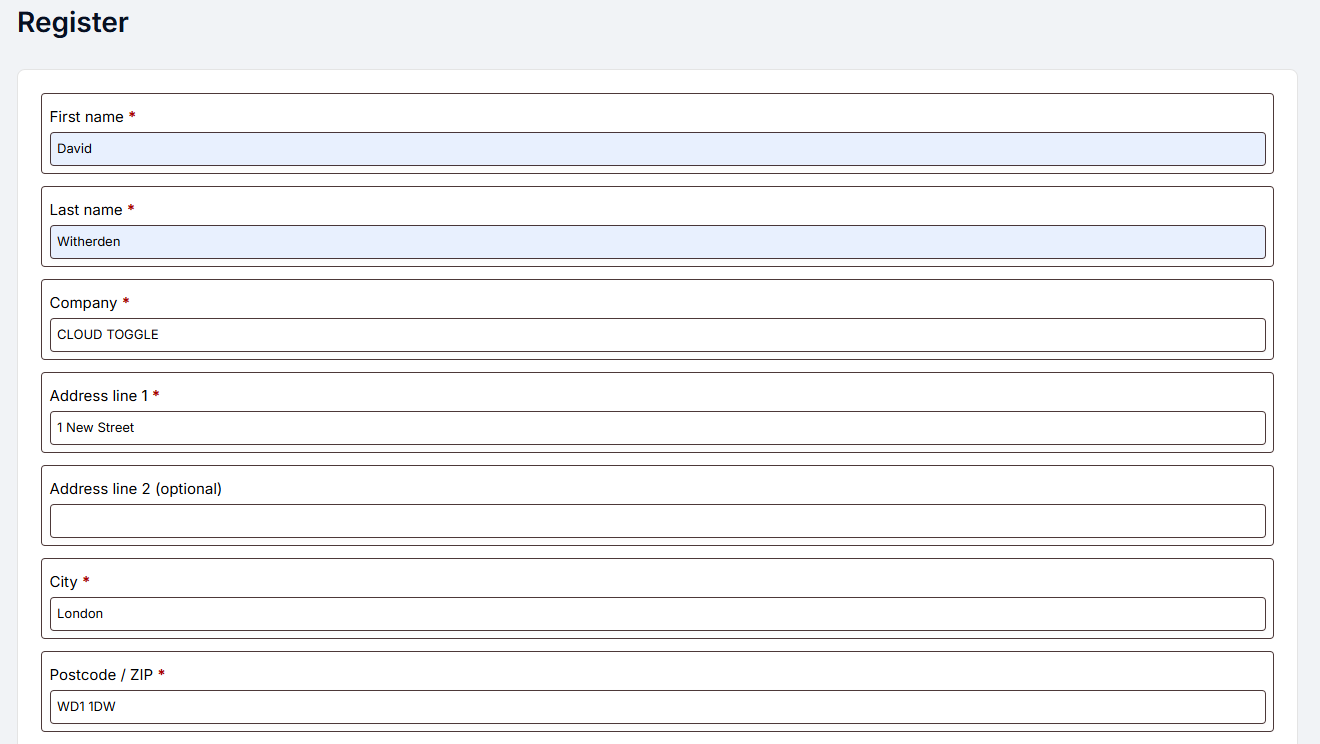
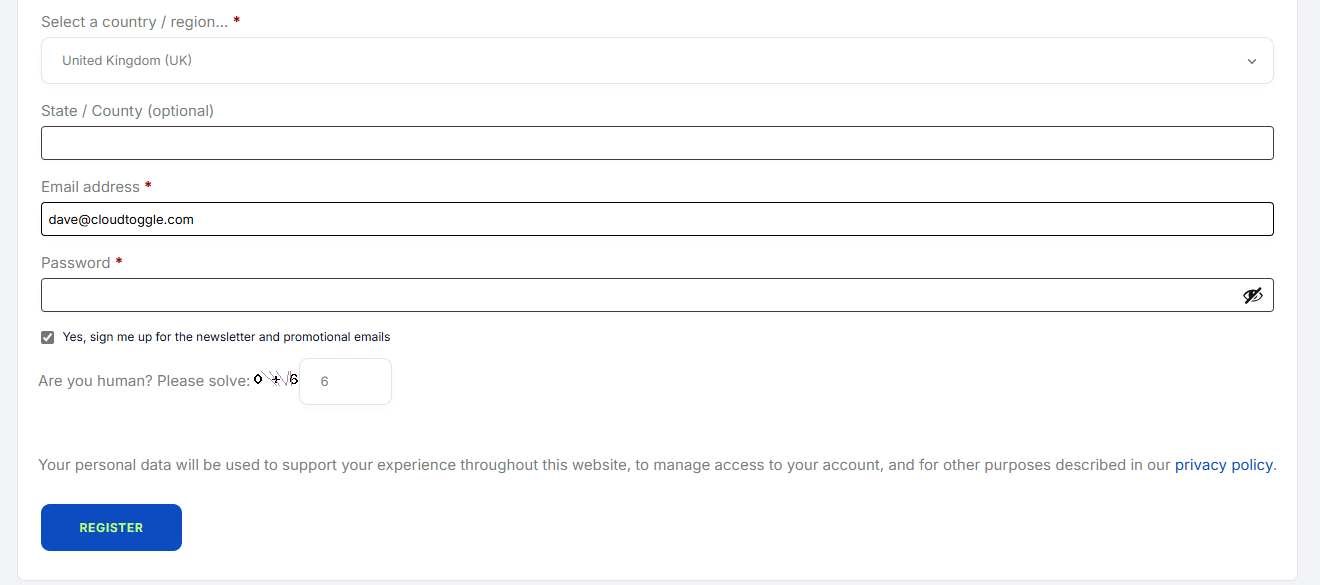
Once you click the link it will take you to a form. Fill out the form with your information and click Register.
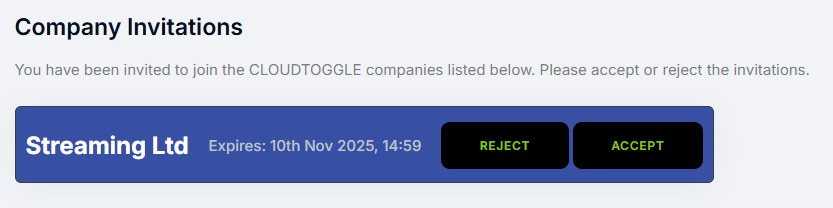
Once the form has been submitted it will take you to the CLOUD TOGGLE website and ask you to accept the company invitation. Click Accept to accept it.
In order to begin managing the VM’s you have access to, click on ‘manage servers’.

From this screen the VM to be managed can be located and the toggle for it clicked:

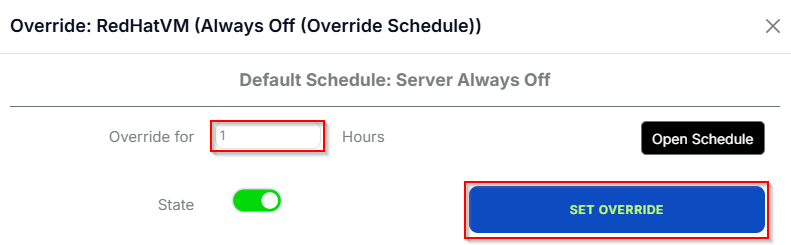
Enter in the number of hours you wish to turn the VM on for and click Set Override.